
Your phone is a stack of parts that have to work together: the screen, touch panel, speakers, microphone, buttons, ports, radios and sensors. Most days they do their job quietly. When one starts to misbehave, the symptom is often vague — a tap that does not land, sound that distorts at higher volume, or a reading that feels off.
When the phone does not feel right
A missed tap, a quiet speaker, a button that needs an extra press, or a sensor that behaves strangely can all get in the way of normal use. The hard part is knowing whether the problem is hardware, an app, or a setting. Paying for a repair before you check is an expensive guess.
How Device Matrix helps
Device Matrix puts supported hardware checks in one place. You can work through guided tests for the display and touchscreen, sound output, supported buttons and the sensors your phone reports. You interact with the phone, watch how it responds, and mark each result as you go.
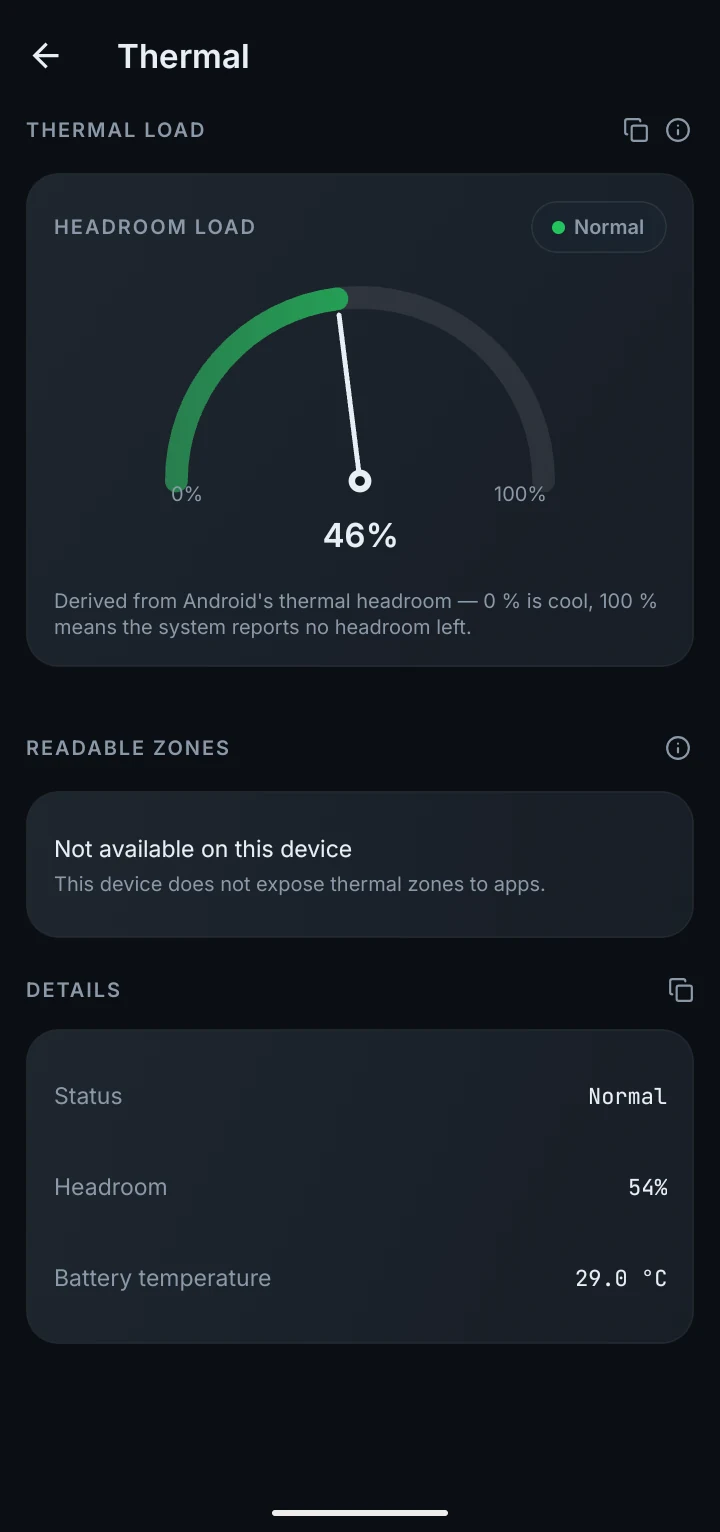
The app also separates what it can check from what it cannot. A test can show that a part responded at that moment; it cannot prove the phone is defect-free. That difference matters when you are deciding whether to visit a repair shop, message a seller, or simply stop worrying.
What you can check
Screen and touch
Check display behaviour and draw across the screen to look for spots that do not respond.
Sound and speakers
Test supported audio output, including the loudspeaker and earpiece where available.
Buttons and controls
See whether supported physical buttons respond when you press them.
Sensors and hardware
Explore the sensor readings and hardware details your phone exposes.
What you see depends on your phone and Android version. If a reading is not available, Device Matrix says so instead of making one up.