
Most phones collect apps the way drawers collect cables. Some you chose, some came with the device, and a few you forgot were there. Android Settings shows parts of the picture, but the details are spread across different screens.
Why the picture gets complicated
Versions, installers, launcher visibility, target API levels and permission declarations live in different places. Storage is hard to compare at a glance too. The result is a phone full of software that is difficult to describe with confidence.
A structured view of installed apps
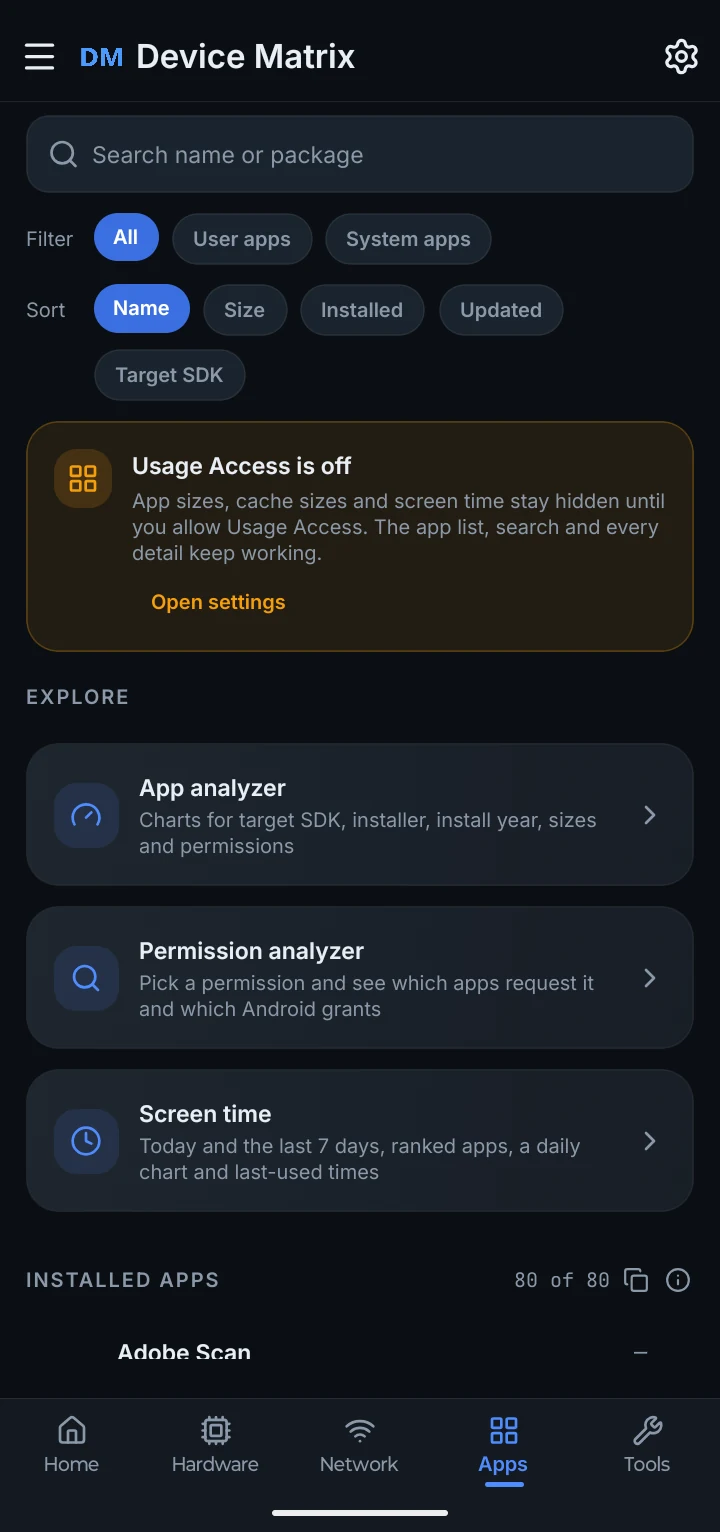
Device Matrix brings supported app information into one place. Browse launcher apps, package names, versions, installers, system or user grouping and target SDK. Search and filters help you narrow the list. App sizes appear when Usage Access is granted; without it, the list still works but sizes stay hidden.
The permission analyzer shows which sensitive permissions an app declares and whether Android has granted them. That is useful context for a review, not a safety verdict. A declared permission does not prove an app is doing something wrong.
What you can review
Browse launcher apps, compare versions and installers, and see which sensitive permissions each app declares.
What you can explore
A searchable app list
Search by name or package, and filter All, User apps or System apps.
Versions and installers
See version, installer and target SDK details where the phone reports them.
Permission context
Review sensitive permissions an app declares and whether they are granted.
Storage awareness
Compare total app size when Usage Access is allowed. This is not a code, data and cache breakdown.
A long list is not automatically a problem. The point is to recognise what you installed, spot something you do not remember and decide what is worth reviewing.